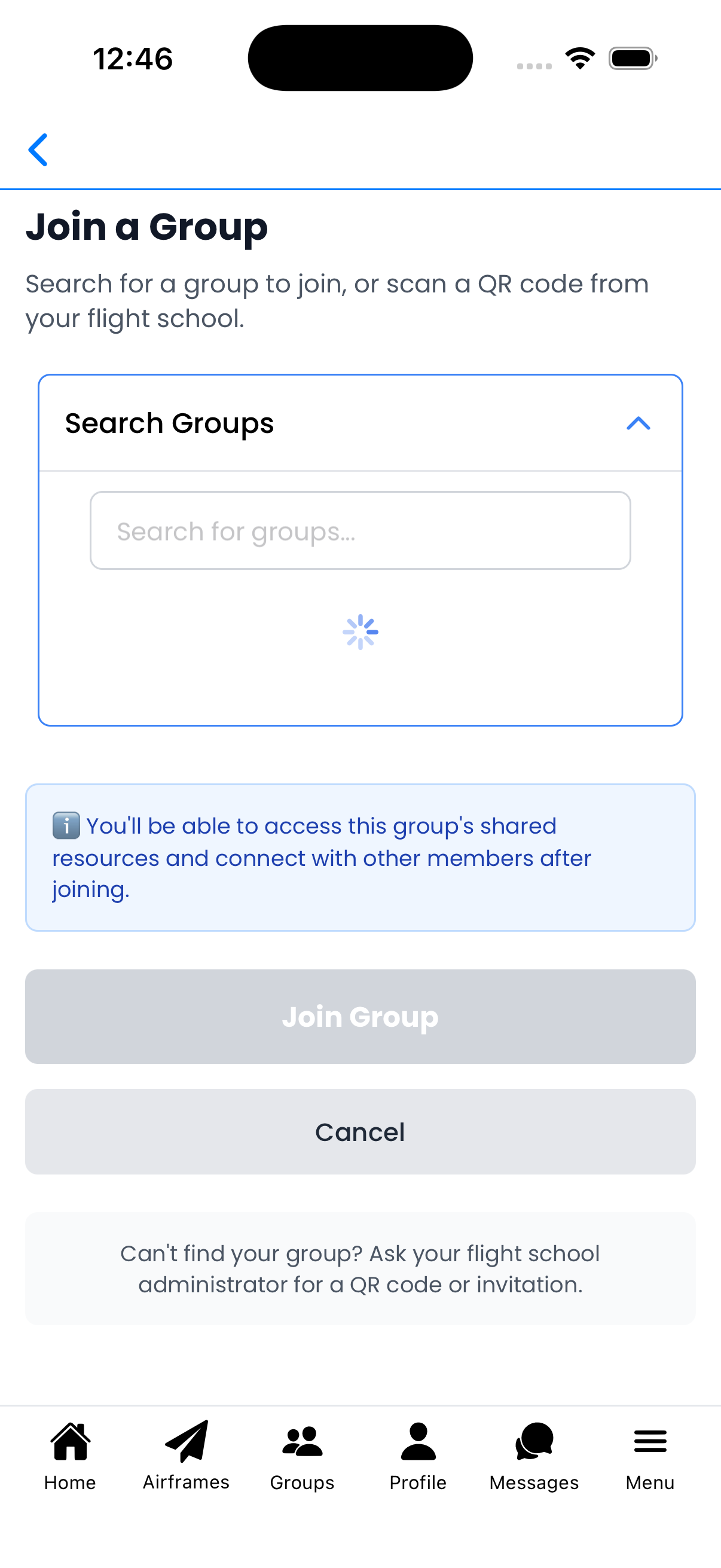
Join a Group
Search for and join groups to access shared aircraft and collaborate with other users.
Search for Groups
Find groups to join:
- Search Groups - Type a group name to search
- Results - Groups that are searchable and joinable will appear
- Join Group - Tap to join the selected group
Note: Only groups with "Searchable" enabled will appear in search results.
No Groups Available
If you see "No joinable groups available":
- The group may not be set to "Searchable"
- The group may require an invitation only
- Try a different search term
Ask your flight school or group administrator for:
- A QR code to scan
- An email or phone invitation
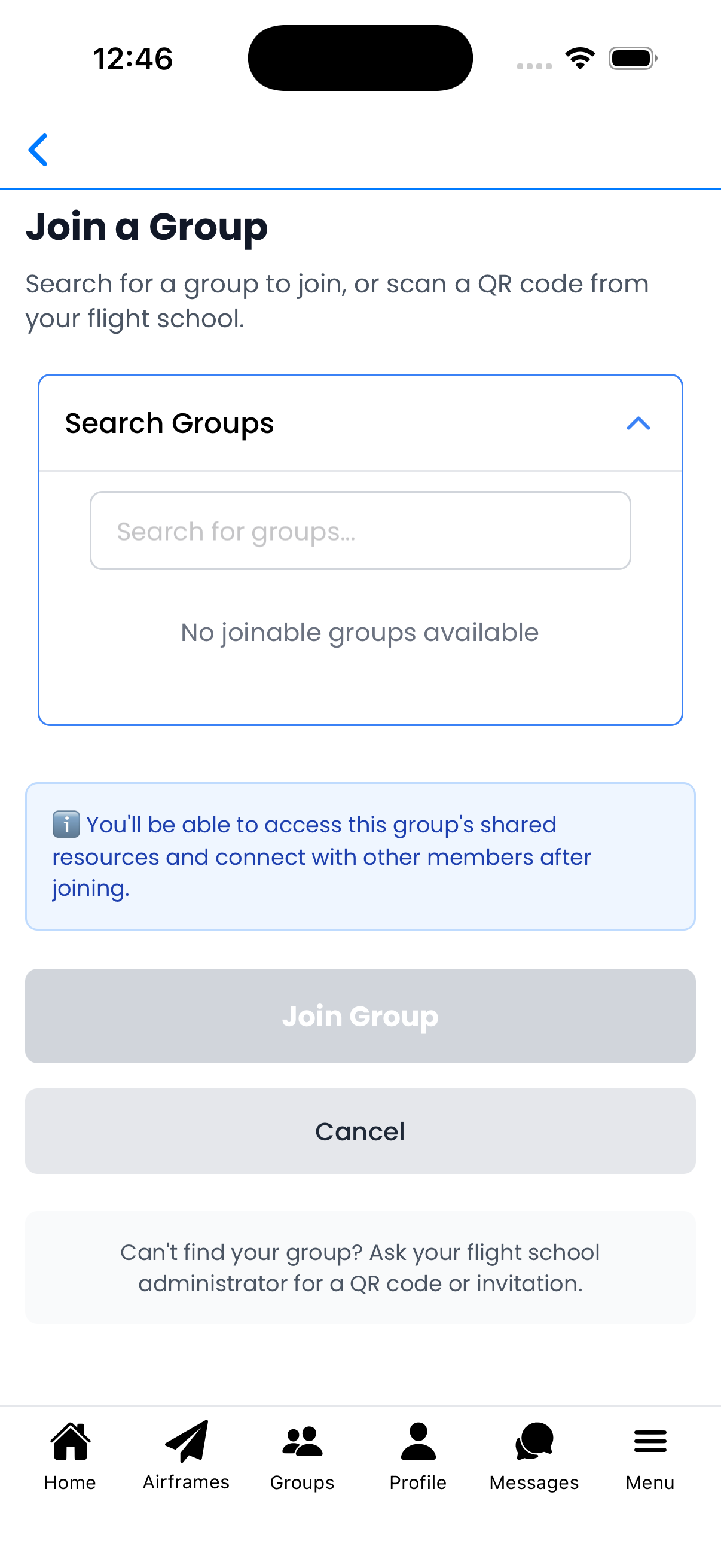
No joinable groups available
Other Ways to Join
If you can't find the group in search:
- Scan QR Code - Use the app's QR scanner (Menu → Scan QR Code)
- Accept Invitation - Check View Invitations for pending invites
- Password Protected - Some groups require a password to join
What You Get When You Join
As shown in the info box:
- Shared resources - Access aircraft and templates shared with the group
- Connect with members - Participate in group conversations
- Collaboration - Work together on maintenance tracking
Tips
- Contact the group admin if you can't find the group
- QR codes are the easiest way to join invite-only groups
- You can leave a group at any time from the Groups screen