Invitations
View and respond to pending group invitations. Accept invitations to join groups and access shared resources.
Pending Invitations
This screen shows all pending group invitations:
- Group name - The name of the group inviting you
- Inviter - Who sent the invitation
- Accept/Decline - Respond to the invitation
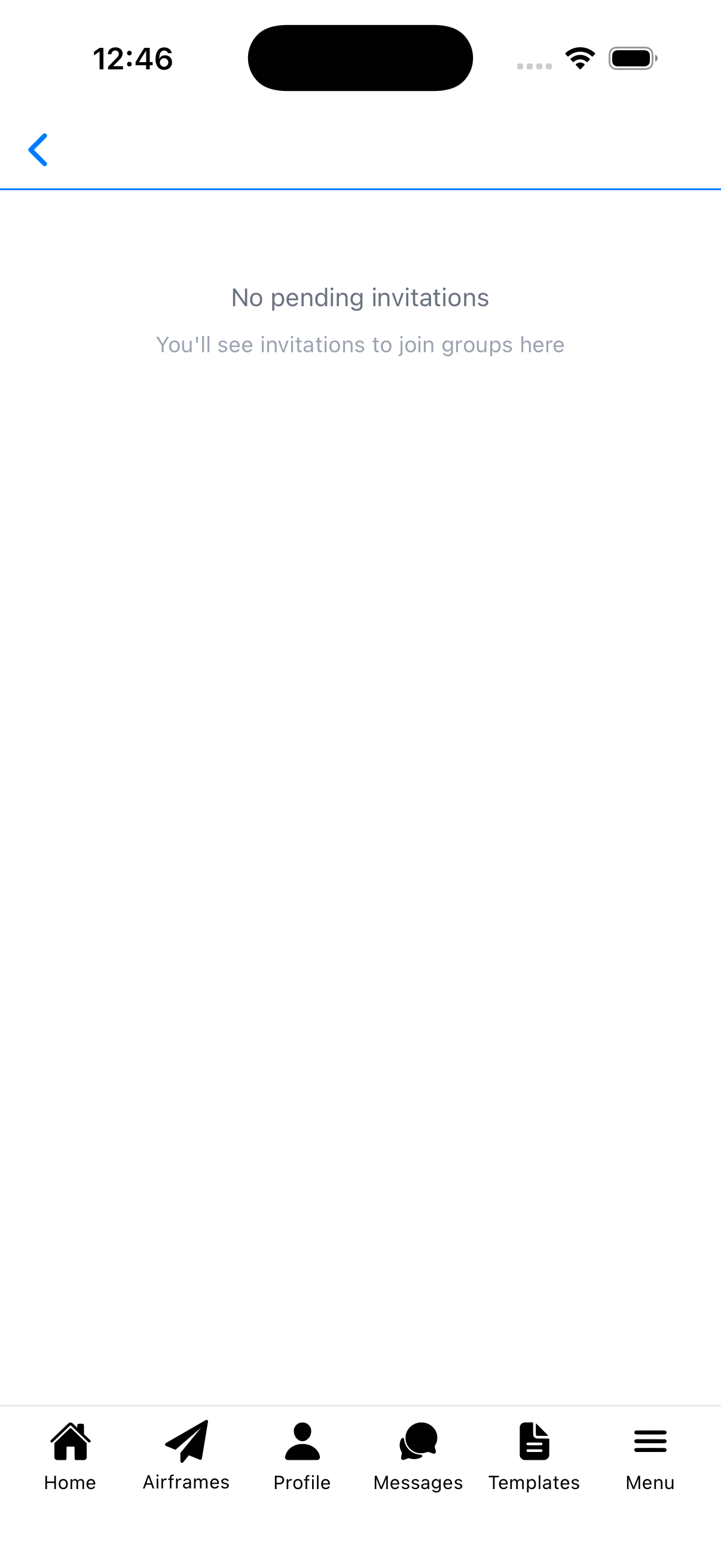
When you have no pending invitations, you'll see "No pending invitations" with a message that invitations to join groups will appear here.
How to Access
Access Invitations from the Groups screen:
- Go to Groups
- Tap View Invitations
Accepting an Invitation
When you accept an invitation:
- You become a member of the group
- You can access shared aircraft and resources
- You can participate in group conversations
- The group appears in your Groups list
Declining an Invitation
When you decline an invitation:
- The invitation is removed from your list
- You won't have access to the group's resources
- The group admin may send another invitation if needed
Tips
- Invitations are sent to your email or phone number
- You may receive invitations from flight schools, clubs, or maintenance shops
- If you're expecting an invitation but don't see it, check with the group admin
- You can also join groups by scanning a QR code or searching