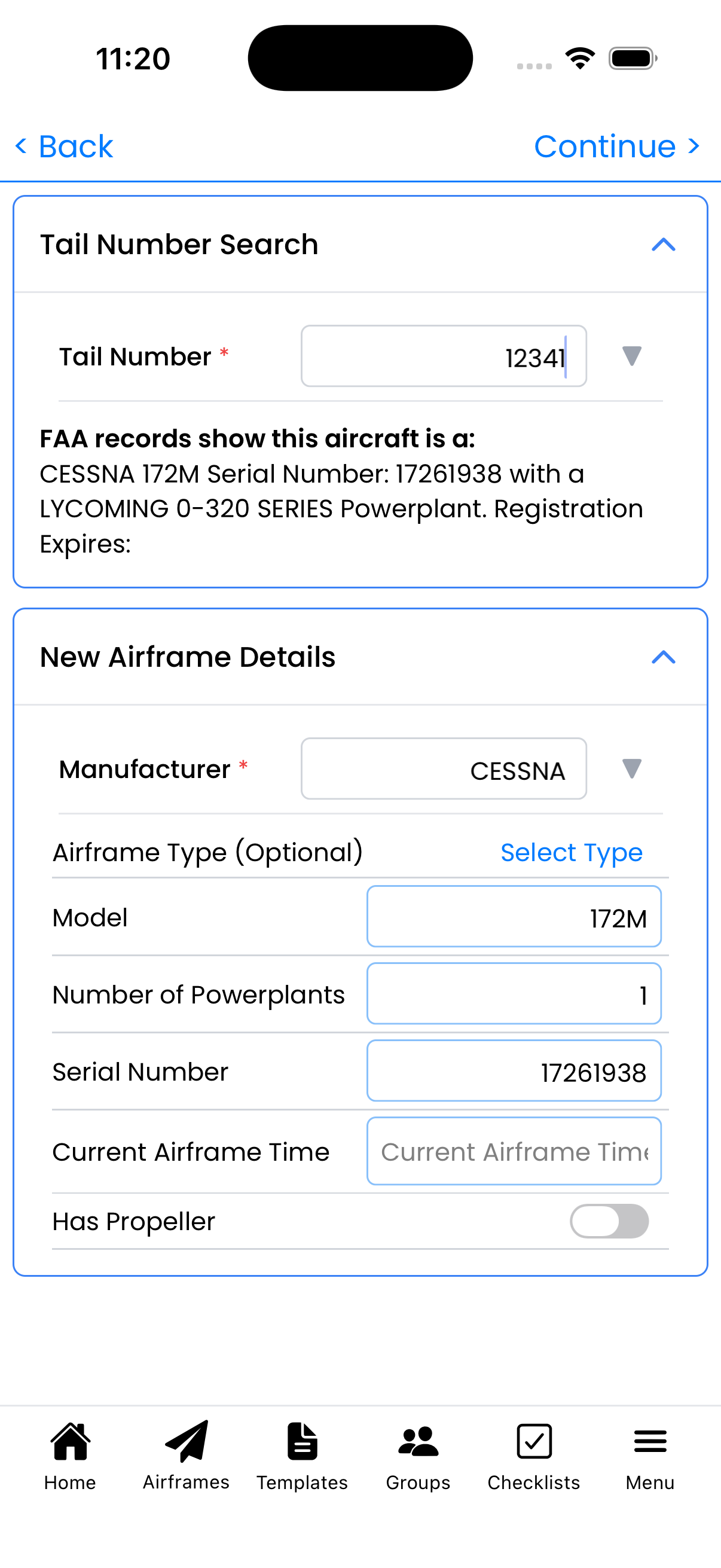
Wizard Step 2: Powerplant Info
Enter your engine details and current times for maintenance tracking and TBO monitoring.
Powerplant Details
Enter your engine information:
- Manufacturer - Engine maker (e.g., "LYCOMING", "CONTINENTAL")
- Model - Engine model designation (e.g., "O320")
- Serial Number - From engine data plate
- Current Tach Time - Current tachometer hours
- Major Overhaul Time - Time at last major overhaul (SMOH)
Understanding Times
- Current Tach Time - The primary time used for maintenance tracking
- Major Overhaul Time - Time since major overhaul (SMOH). If never overhauled, this equals total time since new (TTSN)
Example: If your engine has 3000 tach hours and was overhauled at 2000 hours, enter 3000 for Current Tach and 2000 for Major Overhaul (meaning 1000 hours SMOH).
Multi-Engine Aircraft
If you set "Number of Powerplants" to 2 or more in Step 1:
- You'll see a separate form for each engine
- Each engine is tracked independently
- Enter unique serial numbers and times for each
Why Times Matter
- TBO Tracking - Know when engine is approaching recommended overhaul
- Maintenance Scheduling - Oil changes and service based on hours
- Resale Value - Accurate times are essential for aircraft valuation
Tips
- Refer to your engine logbooks for accurate time information
- Check the last major overhaul entry for SMOH time
- You can update these values later from Aircraft Setup