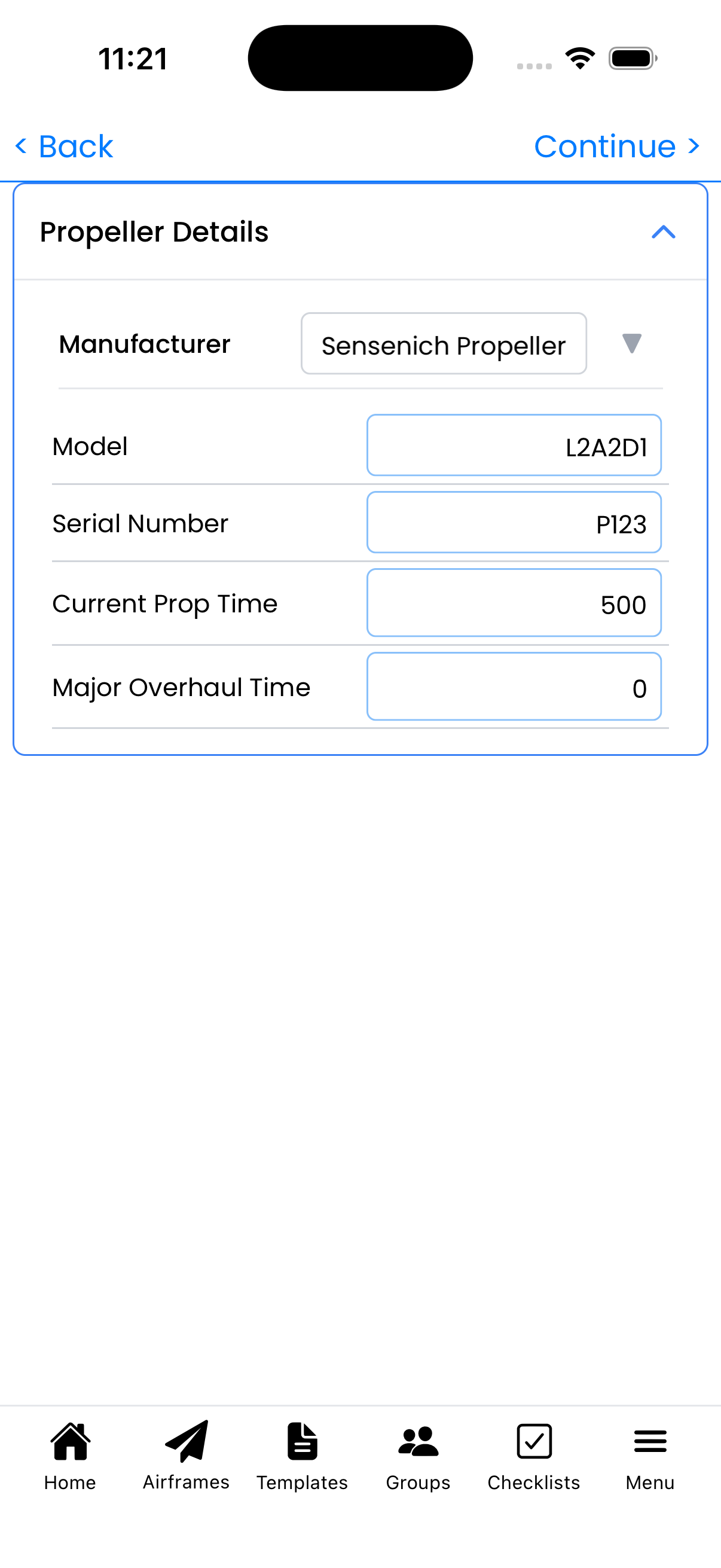
Wizard Step 3: Propeller Info
Enter your propeller details for tracking overhaul intervals and maintenance history.
Propeller Details
Enter your propeller information:
- Manufacturer - Propeller maker (e.g., "Sensenich", "Hartzell", "McCauley")
- Model - Propeller model number
- Serial Number - From propeller hub
- Current Prop Time - Total hours on propeller
- Major Overhaul Time - Time at last overhaul
Propeller Types
- Fixed Pitch - Typically no overhaul interval; track for damage history
- Constant Speed - Usually has a TBO interval (1500-2000 hours typical)
- Ground Adjustable - Similar to fixed pitch for tracking purposes
Skipping This Step
This step is skipped if:
- You toggled "Has Propeller" off in Step 1
- The aircraft is a jet or rotorcraft
You can add propeller info later from Aircraft Setup if needed.
Tips
- The propeller serial number is usually stamped on the hub
- Check your propeller logbook for overhaul history
- For constant speed props, track major overhaul time for TBO monitoring
- You can update propeller details later from Aircraft Setup