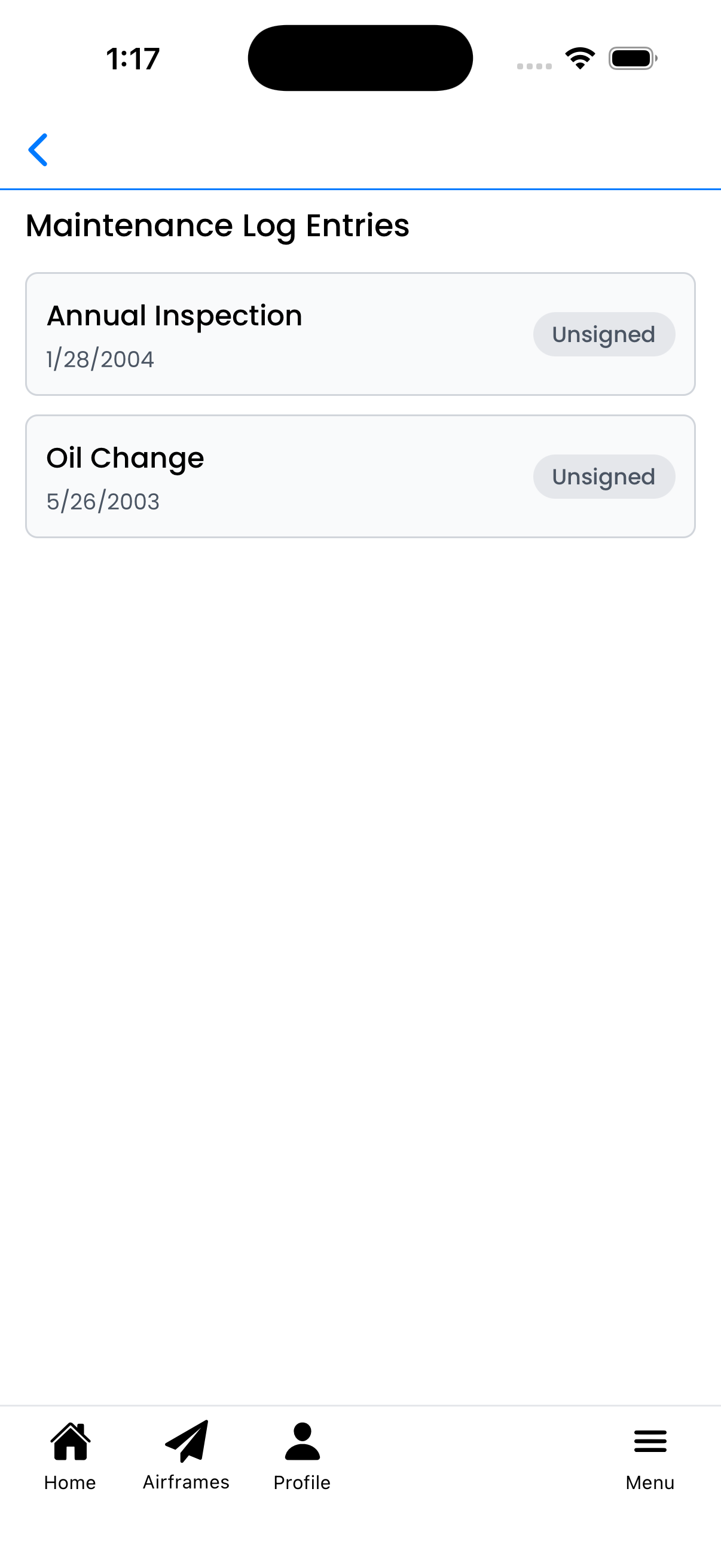
View all maintenance log entries associated with a specific maintenance type for this aircraft. This screen shows the service history for recurring maintenance items like oil changes, filter replacements, or overhauls.
What You Can Do Here
View maintenance history - See all maintenance entries linked to this maintenance type
Check signature status - Each entry shows whether it's signed or unsigned
Review entry details - Tap any entry to view its full details
Track service timeline - Entries are listed with their dates for easy reference
Maintenance Log Entries
The Maintenance Log Entries section shows all entries linked to this maintenance type:
Entry title - Description of the work performed
Date - When the maintenance was performed
Signature badge - Shows "Unsigned" (gray) or "Signed" (green) status
Tap any entry card to open it and view the full maintenance log details including description, attachments, and signatures.
Maintenance entries with signature status badges
Signature Status
Each maintenance entry shows its signature status:
Unsigned (gray badge) - Entry has not been signed by a mechanic
Signed (green badge) - Entry has been digitally signed
Signatures verify that the maintenance work was completed and approved by the performing mechanic.
How to Access This Screen
You can reach this screen from:
Go to Aircraft Details for your aircraft
Find the Maintenance section
Tap any maintenance row (name, last completed, or next due)
This shows the complete history of maintenance entries for that specific maintenance type on this aircraft.
Tips
Service tracking - Use this view to verify your maintenance history is complete
Missing signatures - Unsigned entries may need mechanic sign-off
Export for records - This history can help with pre-buy inspections or audits
Empty list - If no entries appear, no maintenance has been logged for this maintenance type yet
Maintenance Type Details showing maintenance log entries